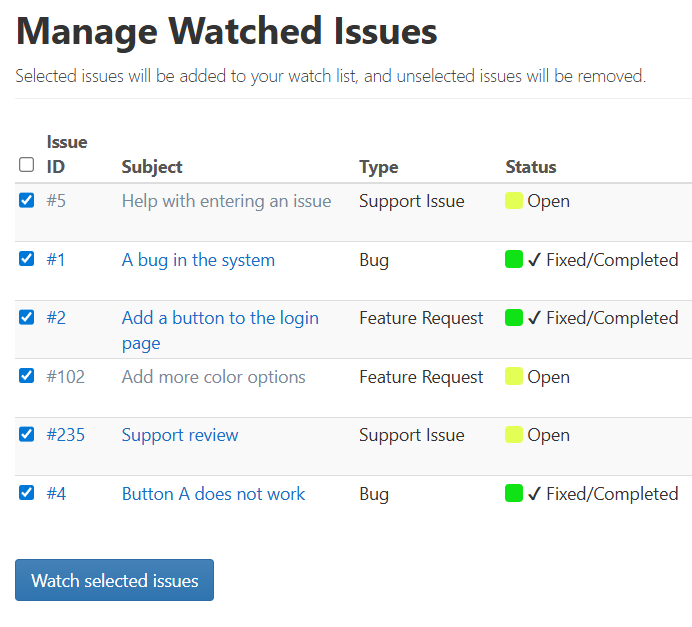
Your watch list enables you to stay up-to-date on issues that interest you. You can add and remove issues from the list at any time. When an issue on your watch list is updated, Squish will automatically e-mail you (unless this feature was disabled in the project settings) to let you know changes were made to the issue. Your watch list is located on the Home page. If the number of issues in your watch list exceeds the number set in your Display Preferences, you can click My Watch List to view the entire list.
You can add issues to the watch list one at a time from the issue detail screen or as a group from the Action menu on the Search screen.
You can remove issues from your watch list by opening them and then clicking on Unwatch in the Issue bar.